The public demo is a survival experience that blends physical crafting with town management. The Romestead: Frequently Asked Questions guide addresses the most common questions based on verified gameplay and the latest community feedback.
General Gameplay & Controls
How do I tell which tool I have equipped?
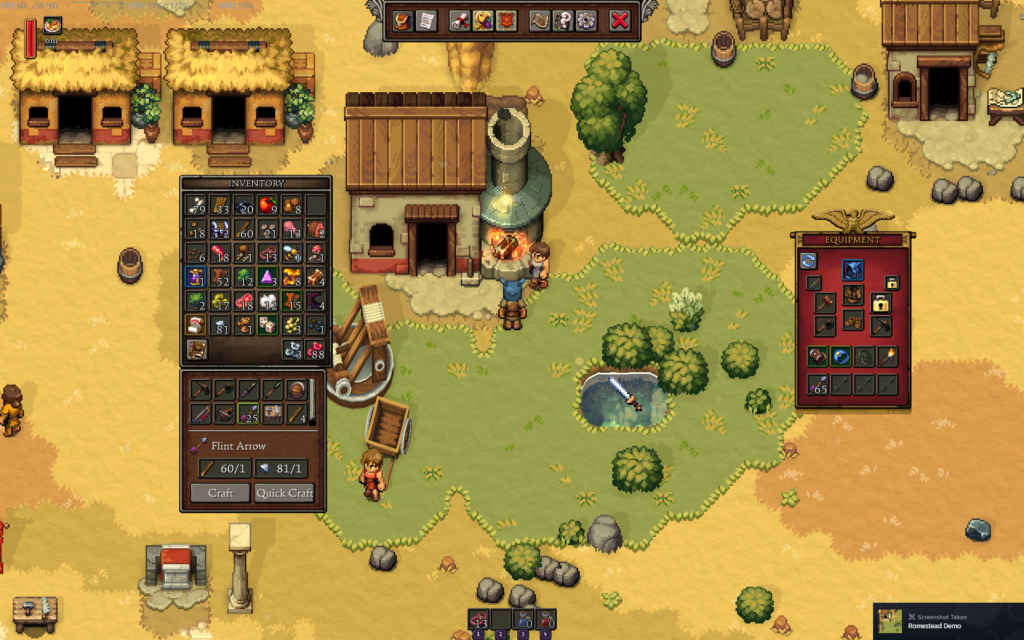
- Open your inventory (
Tabon the keyboard), craft an Axe and Pickaxe, and drag them into your Active Tool Slots on the right side of the character screen. - Usage: Once equipped, you don’t “switch” tools manually, the character will automatically swing the tool when you interact with the corresponding resource, an icon will show the Axe or Pickaxe.
Where are the save files located?
- They are located in this folder: %APPDATA%/Romestead/Demo/profiles/1/
How do I move or remove buildings?
- Removing: You can use the demolition section of the workbench to remove buildings. For breaking or repairing objects and decorations, simply press the R key to toggle the Repair/Break Furniture option (press E near the object to repair).
- Moving: Currently, there is no “move” command (although it is being worked on). You must destroy the building using the workshop and rebuild it in the new location.
How do I fix the “stuttering” when moving?
- Some players report a “micro-stutter.” This is often caused by the physics engine trying to calculate too many loose items on the ground. The game features specific Material Storage which can be built after defeating the first boss.
Survivor Recruitment, Gods & NPC Management
How do I get more villagers in Romestead?
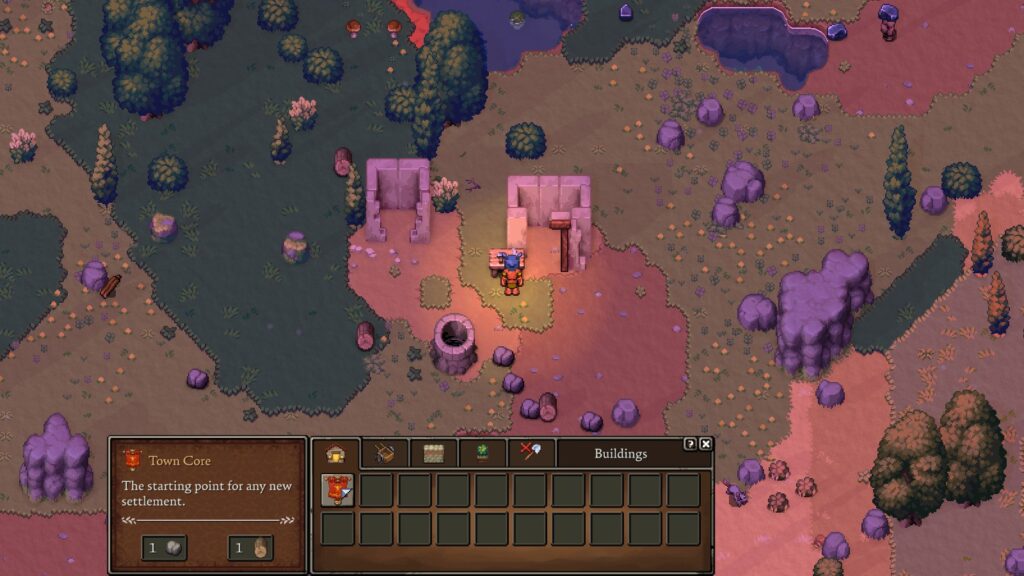
- The Process: First, build the Town Core. Then, explore the map to find villagers near old camps.
- Rescuing: Interact with them to send them back to your settlement, as long as you have room (build an Insula or two)
- Tip: Not every camp has a hidden chest, but most do. Look for odd walls and bushes.
Who are the Gods?
- Minerva
- Ceres
- Diana
- Mars
- Mercury
- Venus
- Vulcan
Advanced Crafting
How do I make Copper Bars in the Romestead demo?
- Collect Copper from rocks with orange ore.
- Build a Blacksmith building.
- Throw some Wood or Coal and Copper in the furnace outside.
Survival
To be safe, return to town by evening. Since the demo lacks a digital clock, you must watch the position of the Sun (the shadows will get longer until they disappear) and the changing sky colors (orange/purple) to gauge time.
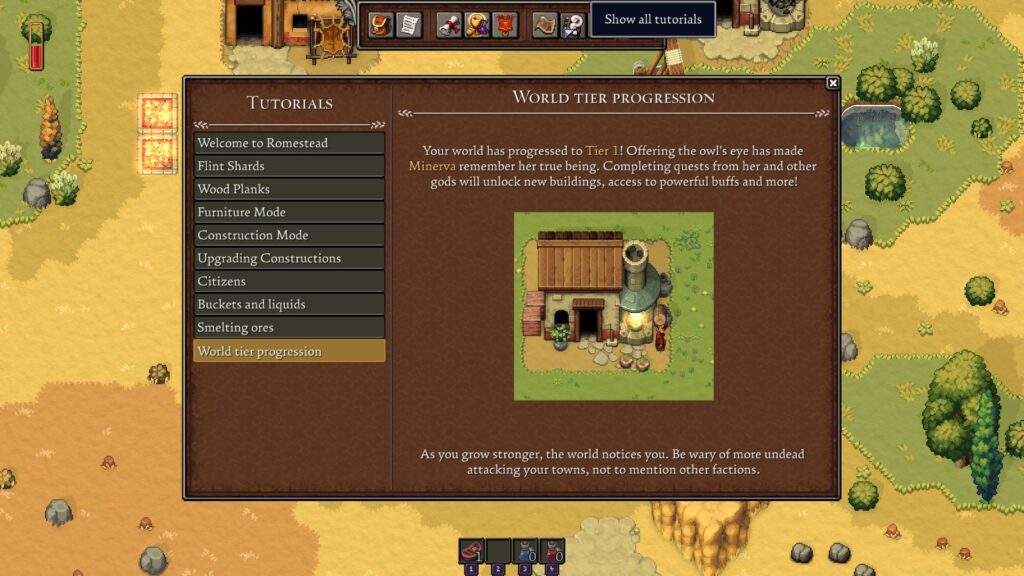
Don’t forget to check the tutorial section in the game, as you progress, updates will be added to this section.
Dungeon & Boss Tips
Where is the first boss?
- To find the ‘Owl’ or ‘Guardian of Minerva,’ follow the massive shadow that appears in the day time for the direction of the boss.
- Exiting and Re-entering the dungeon clears all the clutter, making it easier for you to check if something was missed.
Technical Troubleshooting
Water Reflections & FPS: Turning off Water Reflections and Fog in the settings menu may help with performance.
Stuck in Terrain? Try restarting the game which should hopefully put you back at your spawn point.
Keep an eye out for this space as I will be updating the guide as I find more common questions/answers people are looking for. If you would like to suggest an edit, or ask more questions, leave a comment below!