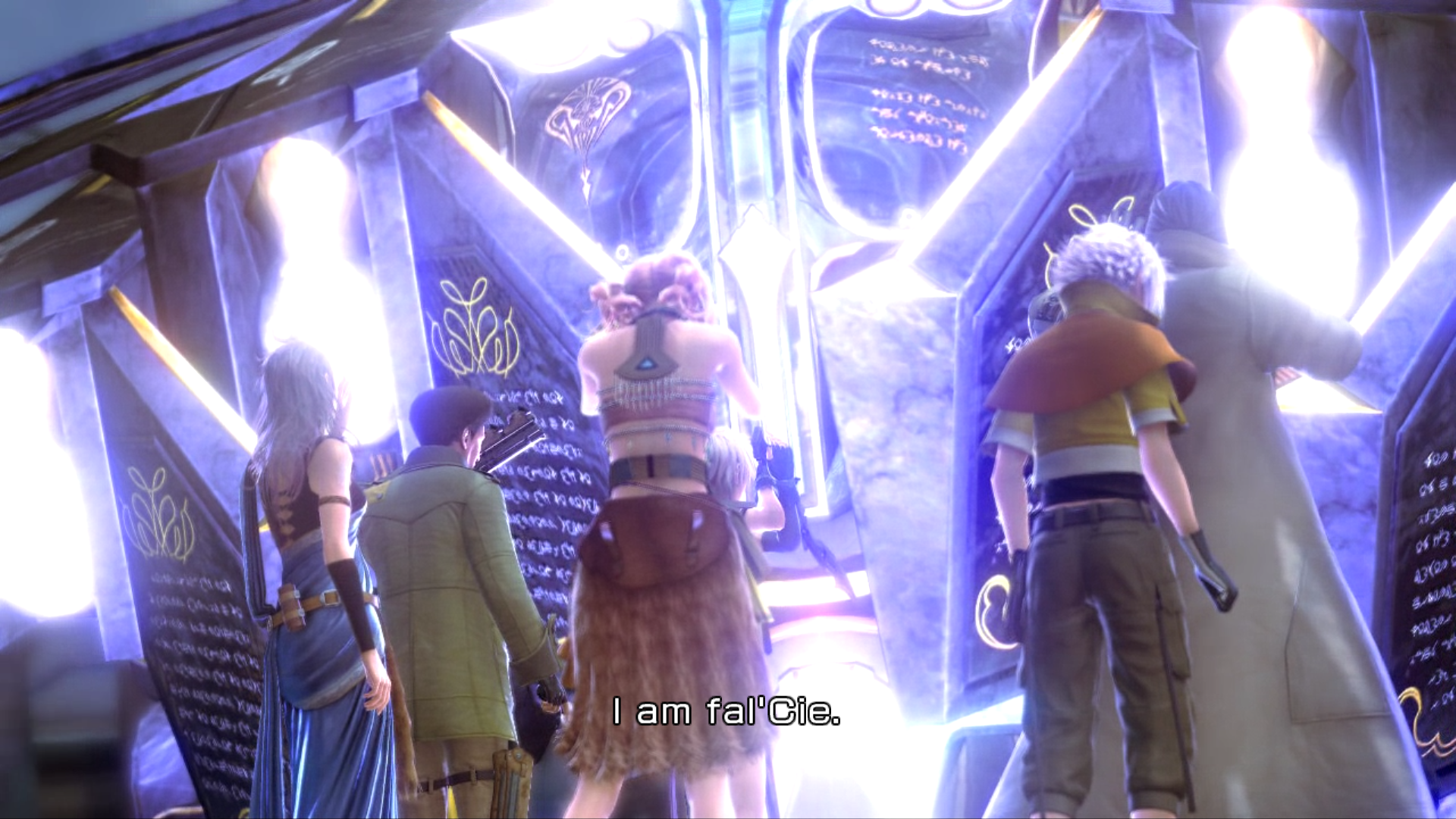
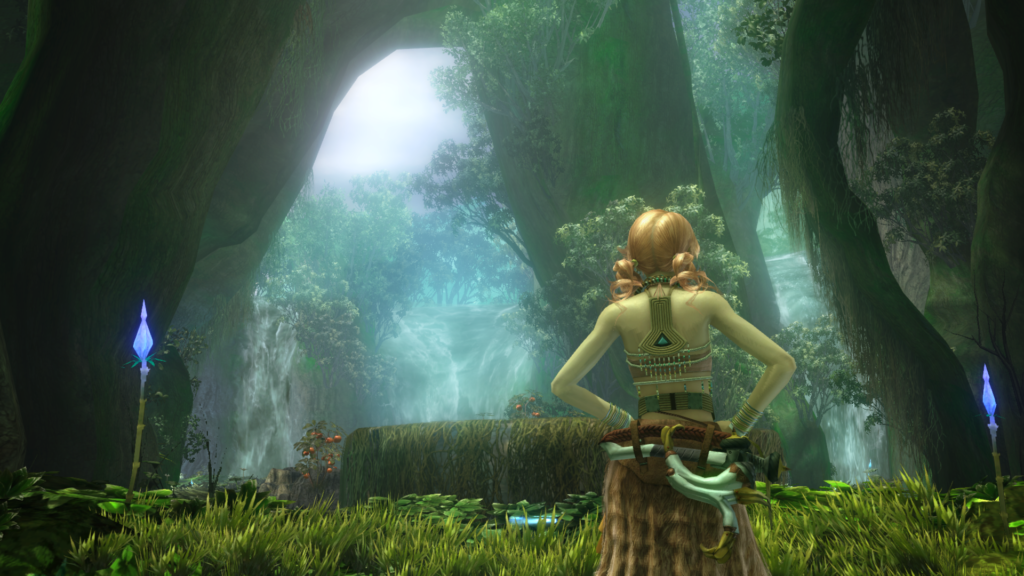
Even in 2026, the PC port of Final Fantasy XIII remains notoriously finicky. While the game is visually stunning, it requires specific community-made tweaks to unlock its full potential at 4K/60fps. If you are experiencing stuttering, crashes, or graphical glitches, this guide will help you resolve the most common issues.
Technical Reality: Known Issues
Before diving into the fixes, it is important to identify the problems you are likely encountering:
Known Problems
- Inconsistent 60fps: Constant frame rate drops and an inability to maintain smooth performance.
- Sudden Crashes: Unexpected and frequent crashes to the desktop.
- No Vibration Support: Complete lack of the haptic feedback/vibration present in the original console versions.
- Constant Stutters: Micro-stuttering throughout gameplay, regardless of hardware power.
- Resolution Scaling Bugs: Playing at any resolution higher than 1280×720 (720p) causes specific UI and graphical breakage:
- A portion of enemy intel will be missing in the Libra menu.
- The glowing effect inside the stars when achieving a 5-star battle rank will be missing.
- Animation effects inside all text boxes will be frozen or missing.
- Macro-blocking / Hair Artifacts: Blocky artifacts or “dithering” on character hair, often triggered if your GPU forces its own Anti-Aliasing on top of the game’s settings.
Minor Problems
- Inferior Cutscenes: Pre-rendered videos are poorly encoded, making them look noticeably worse than the PS3 or Xbox One X versions.
1. The Essential “FF13Fix”
The most important step for any modern player is installing the FF13Fix. This community-developed plugin resolves the game’s infamous frame pacing issues caused by the engine constantly scanning for new hardware.
- What it does: Unlocks the frame rate, enables custom resolutions, and fixes the “controller stutter.” Crucially, it also fixes the UI scaling issues (Libra menu, star glow, and text box animations) at high resolutions.
- Installation: Download the latest release and add both
d3d9.dllandFF13Fix.inito the folderFINAL FANTASY XIII\white_data\prog\win\bin - You can to change
FF13Fix.iniif you want to change any configuration (e.g. uncap the framerate or disable controller vibration).
2. Stability & Memory: The 4GB Patch
By default, the game is a 32-bit application that can only utilize 2GB of RAM. This is the primary cause of “sudden and unexpected crashes.”
- The Fix: Download the 4GB Patch and install it using the instructions below, as it includes information required when using the FF13Fix. This allows the game to access more memory, which is essential for stability and if you plan on using high-definition mods. (The download will require a free Nexus Mods account)
Installation:
- Create a new directory (folder) and unzip this mod into it.
- This mod does not actually contain the FF13Fix files. The latest version needs to be downloaded (link above).
- Unzip the FF13Fix files and place them into the provided subdirectory (folder) of this mod (FF13Fix).
At a minimum, there should be the following two files after you unzip (ff13fix.ini & d3d9.dll). - Run (Double-click) the installer “_Install FF13Fix & 4GB Patch.bat”
- The install process will then ask a couple of questions and should proceed to install both the FF13Fix and the 4GB patch.
3. Restoring Vibration & Haptics
To restore the console-feel of the game, you need to enable vibration support.
- The Fix: Use a tool like XInput Plus or the built-in vibration toggle within the FF13Fix settings (preferred). This bridges the gap between the dated PC input wrapper and modern controllers.
4. Solving the “Frame Rate Drop” during Combat
A common complaint is the frame rate tanking the moment a battle starts.
- The Fix: Disable the Steam Overlay for this specific game. For some reason, the overlay conflict with the Crystal Tools engine causes a 10-15 FPS hit during the transition to the battle screen.
5. Cleaning Up Visual Artifacts (Hair & Scaling)
If you see blocky macro-blocking artifacts on character hair, your GPU is likely fighting the game’s internal settings.
- The Fix: Ensure “Anti-Aliasing” is turned OFF in your NVIDIA/AMD Control Panel for this game. Instead, set the in-game MSAA to 4x or 8x.
- Texture Clarity: Force 16x Anisotropic Filtering via your GPU driver to make the environments of Gran Pulse look significantly sharper than the in-game implementation.
6. High-Definition Texture & Video Packs (Optional)
If you want the game to look like a modern release, you should replace the inferior original files.
- Texture Mods: Use “HD Models Plus” and “HD Field Textures” from Nexus Mods to bring character faces and environments up to 4K parity.
- Video Overhaul: Install community-made HD video packs to replace the poorly encoded pre-rendered cutscenes with high-bitrate versions.
Summary Checklist for a Perfect 2026 Build
- FF13Fix: Repairs stuttering and UI scaling (Libra/Text boxes/Star Glow).
- 4GB Patch: Eliminates unexpected crashes.
- Vibration Restore: Re-enables haptic feedback.
- Disable Steam Overlay: Fixes combat transition frame drops.
- Driver Tweak: Disable forced AA (fixes hair artifacts) and force 16x Anisotropic Filtering.
- Video/Texture Mods: Replaces inferior assets with HD versions.
FINAL FANTASY® XIII
- Original Release Date: December 17, 2009
- PC Release Date: October 9, 2014
- Genres: JRPG, Linear Story, Tactical Combat
- Developer: Square Enix
- Publisher: Square Enix
- Platforms: PC (Steam), PS3, Xbox 360 (Backwards Compatible on Series X/S)
- Steam Deck: Supported (Requires “FF13Fix” for stable 60fps)
- Engine: Crystal Tools
- Steam User Rating: 75% Mostly Positive (Over 19,000 Reviews)
- PC Features: 1080p/60fps support, Steam Trading Cards, Cloud Saves